 Alpine
9/8/2026
Why AlpineConsent Pays for Itself
Most teams handle cookie compliance one of two ways: they ignore it and hope nobody notices, or they treat it as an ongoing chore — someone has to remember to re-check the site every time a new analytics tag or ad pixel gets added, keep a banner plugin updated, and hope the whole thing still works after the next redesign. Neither is a real strategy. One is a real legal and financial risk; the other quietly eats hours every month that should be going into the product itself.
AlpineConsent exists to remove that trade-off entirely — not by being another banner plugin, but by treating cookie compliance as something that should run itself.
The part everyone underestimates: knowing what's actually on your site
A consent banner is only as good as the list of trackers behind it. Most teams build that list once, by hand, and then never touch it again — until a regulator, a customer, or a security researcher asks an uncomfortable question about a script nobody remembers adding.
AlpineConsent's scanner does this work automatically. Point it at a site and it finds the real scripts and cookies actually running there — analytics, ad pixels, embeds, the works — and sorts them into the categories that actually matter for consent (necessary, preferences, statistics, marketing). No manual audit, no spreadsheet, no guessing.
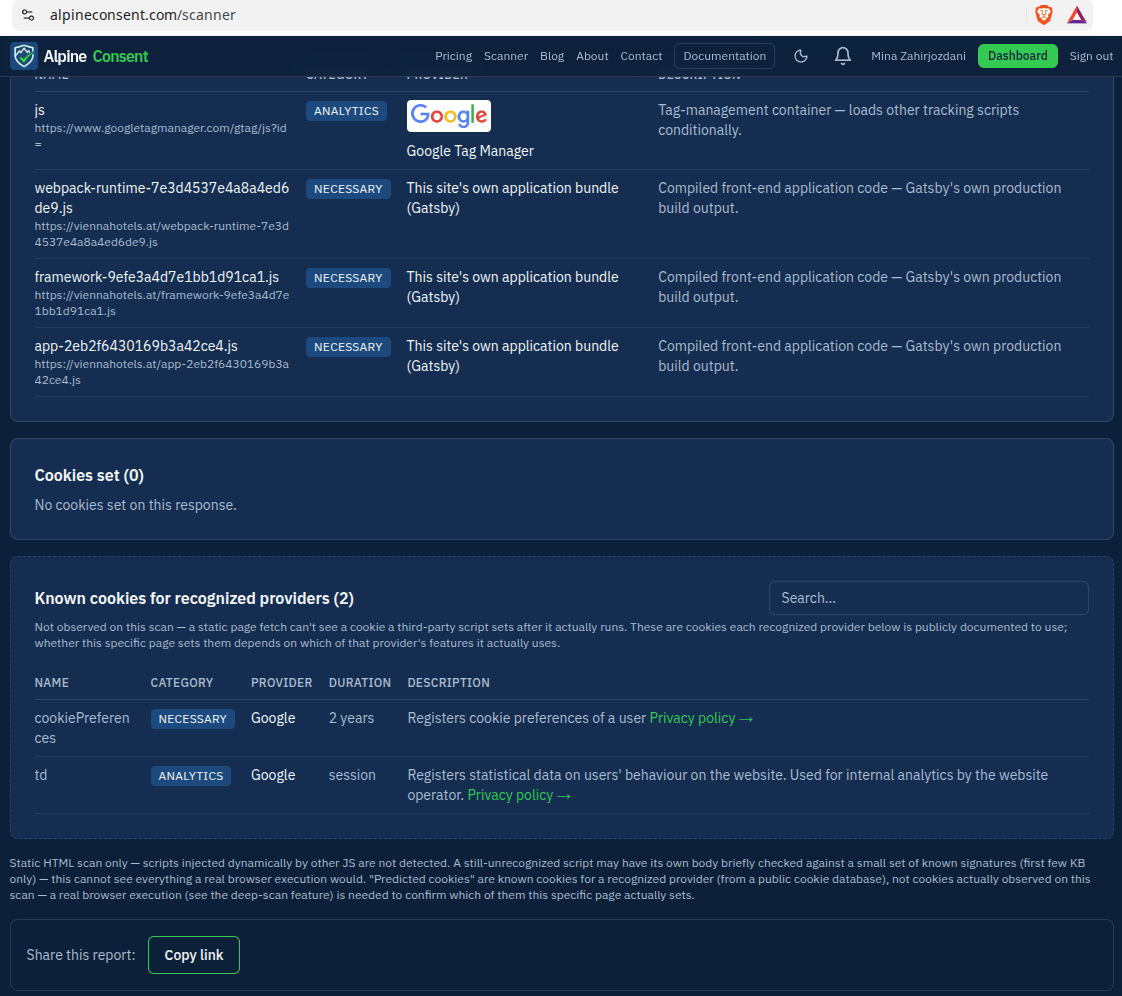
On paid plans, this isn't even a one-time check — it re-scans on its own on a schedule, so a tag someone adds six months from now gets caught the same way the first one did.
Getting it running takes minutes, not a sprint
However good the scanning is, it's wasted if installing the thing takes a developer half a day. It doesn't, on either path:
- Running WordPress? Install the plugin, connect your account, and the scanner already knows what to look for on your site. No code.
- Anything else? One script tag. That's the entire integration.
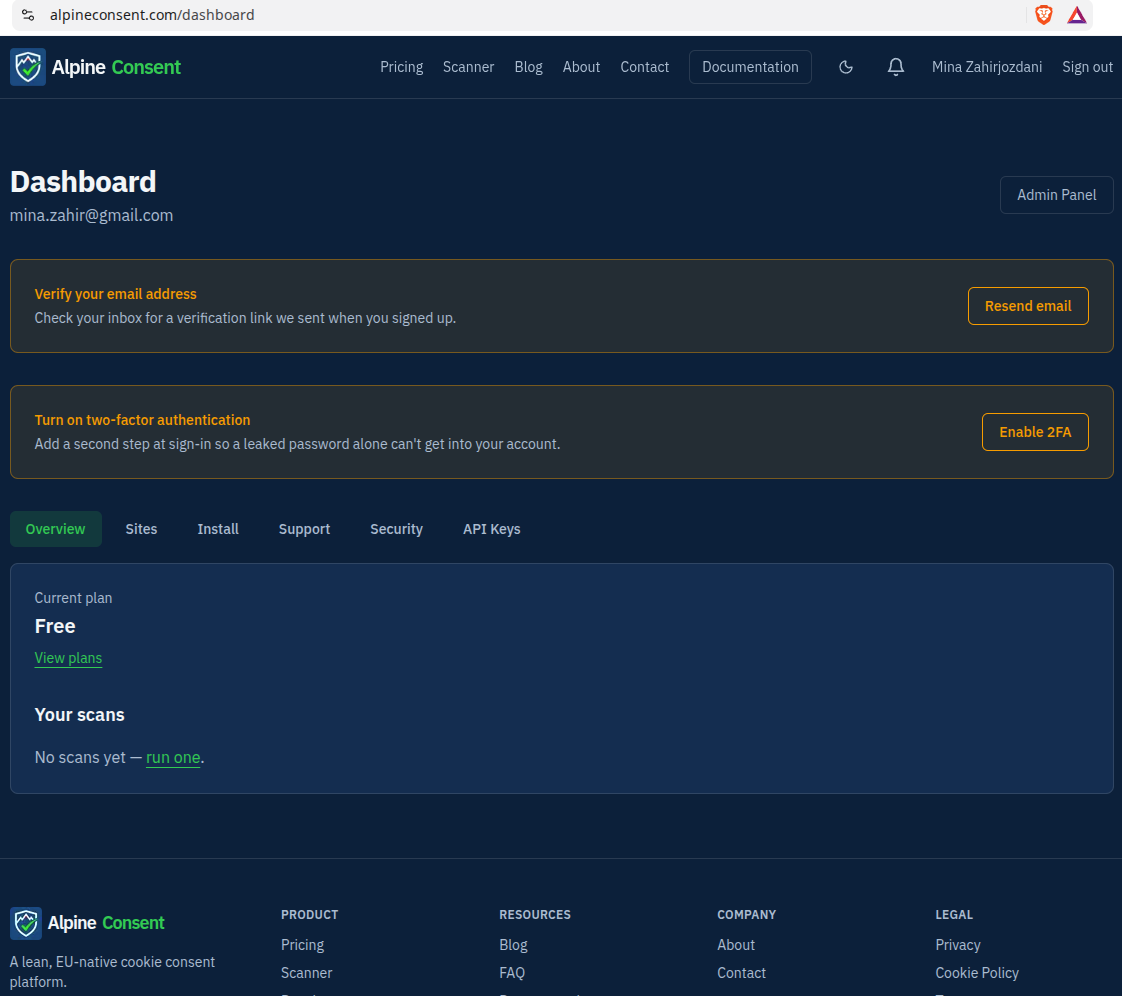
There's no build step, no SDK to wire up, nothing to maintain going forward beyond checking in on the dashboard occasionally. The banner itself is lightweight on purpose — it has to load before anything else on the page does, so it was built to stay small rather than accumulate features it doesn't need.
One dashboard, not five browser tabs
Once it's running, everything lives in one place: which sites are connected, what each scan found, real consent logs you can export as proof of compliance, and (on the right plan) the automated re-scan schedule doing its job quietly in the background.
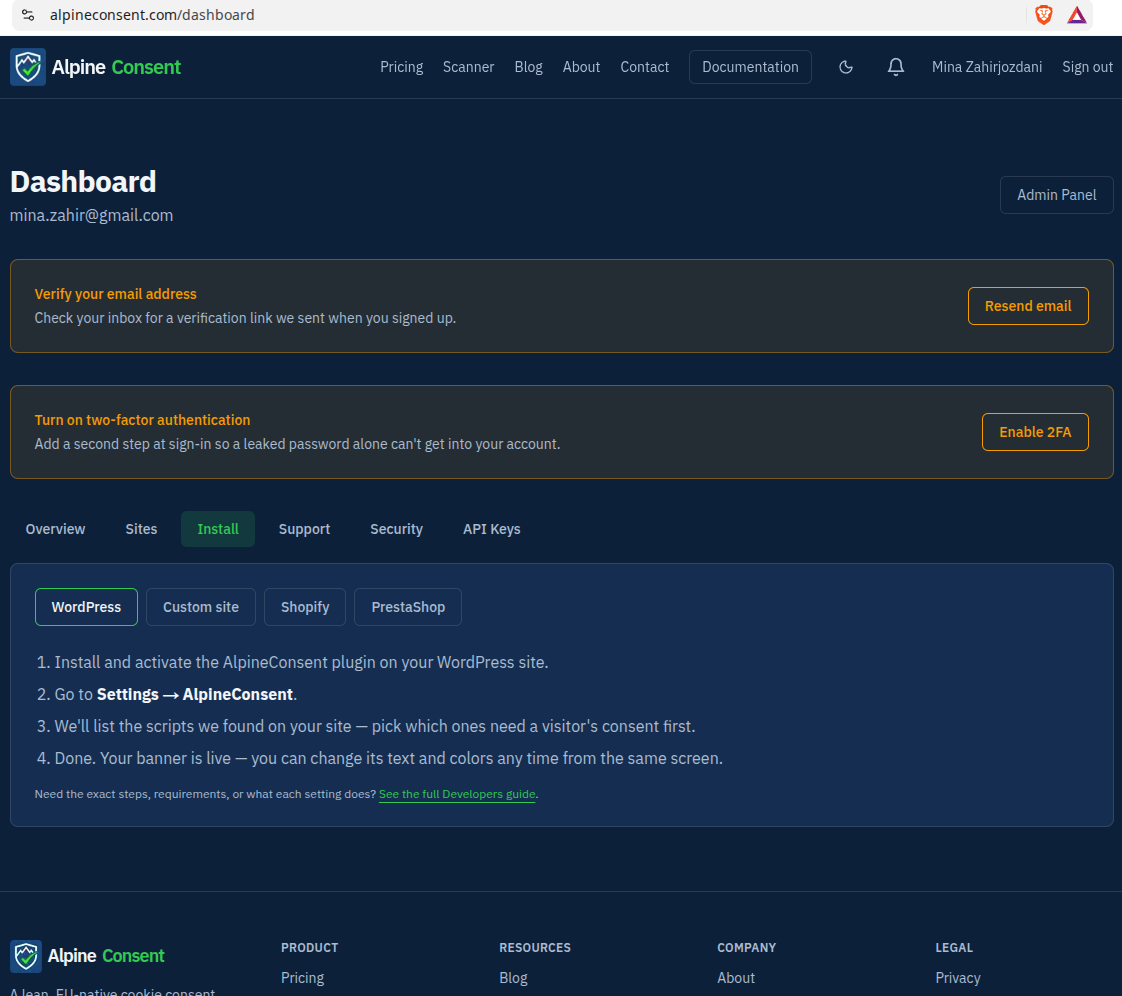
That matters more than it sounds like. The actual cost of "compliance" for most teams isn't the tool, it's the fragmented busywork around it — checking one thing here, exporting a log from somewhere else, remembering which site is on which plan. Collapsing that into one screen is a real time saving, every week, not just on day one.
Why this is worth paying for
The honest comparison isn't "AlpineConsent vs. free" — a truly free option means building and maintaining this yourself, which is never actually free once you count the engineering time. The real comparison is between a small, predictable monthly cost and the alternative: a site running an out-of-date, hand-built consent setup that quietly drifts out of compliance the first time someone adds a new tracking script, discovered only when it becomes a problem instead of before.
A subscription is a fixed, known cost. Getting cookie compliance wrong is not.
If you're already running AlpineConsent, this is just here to spell out what it's saving you. If you're not yet — take the scanner for a spin on your own site first. It's the fastest way to see exactly what's running there right now, before you decide anything else.
— Jerry
Comments
Loading…